LensGo AI Image to Video
Bring your photos to life with LensGo AI Image to Video. Upload any image and describe the motion you want—flowing hair in the wind, blinking eyes, a smile appearing, or a complete scene transformation. LensGo AI Image to Video uses advanced AI to animate static photos with natural, realistic movement. Perfect for social media content, marketing materials, and creative projects.
Bring your images to life.
Upload any image and describe the motion you want. AI will animate your still photo into a dynamic video.
Upload First Frame
Drag & drop or JPG, PNG, WebP
Your video will appear here
Upload an image to get started
Image to Video
5s • 16:9

LensGo AI Image to Video for Social Media
Create scroll-stopping animated content
Social media managers use LensGo AI Image to Video to transform static posts into engaging animated content. Animate product photos, create dynamic profile pictures, and produce eye-catching Stories that stand out in crowded feeds. LensGo AI Image to Video helps brands increase engagement rates by turning ordinary images into attention-grabbing video content—perfect for Instagram, TikTok, and Facebook marketing.
LensGo AI Image to Video for Portrait Animation
Bring portraits and headshots to life
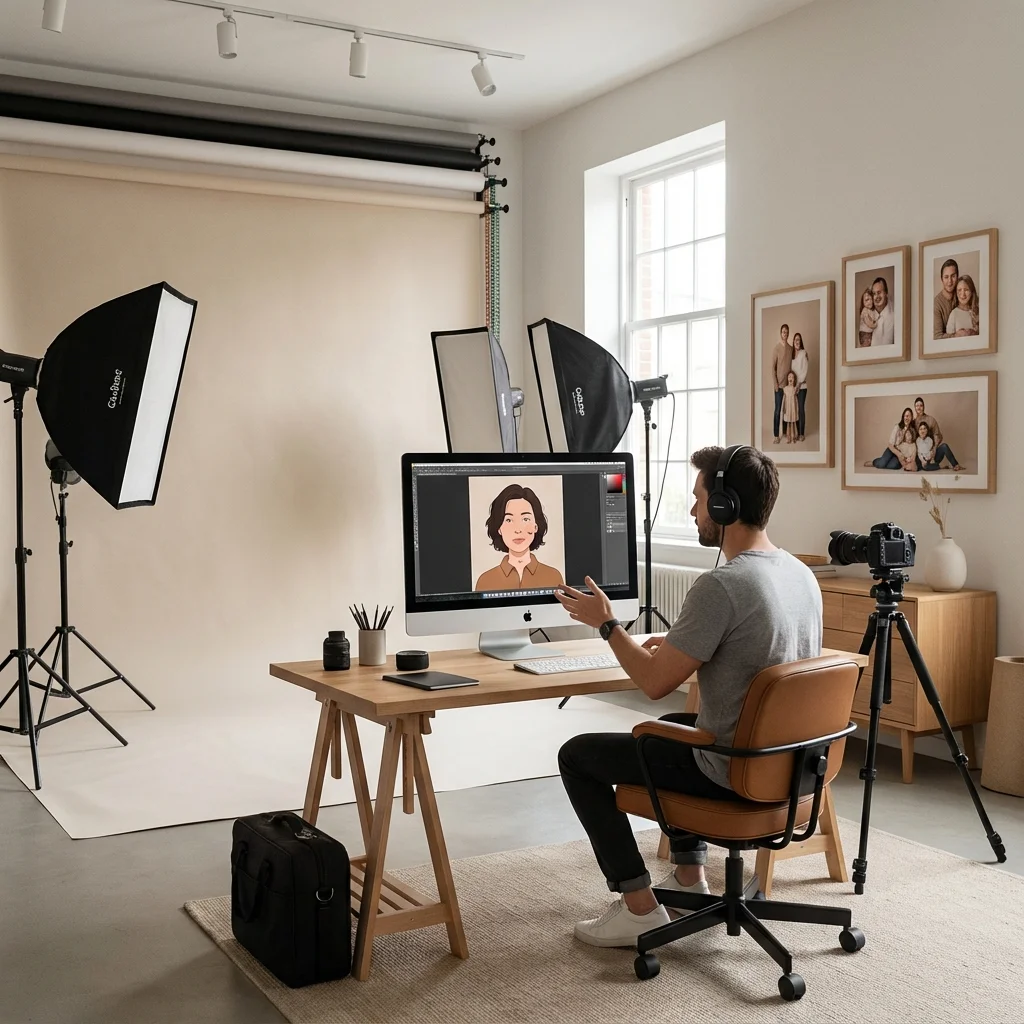
Photographers and creators use LensGo AI Image to Video to animate portraits with subtle, natural movements. Add blinking eyes, gentle head turns, and warm smiles to static headshots. Create living photo albums, animated memorial tributes, and dynamic profile content. LensGo AI Image to Video generates realistic facial animations that preserve the subject's likeness while adding an engaging, lifelike quality.
LensGo AI Image to Video for Product Visualization
Showcase products with dynamic video
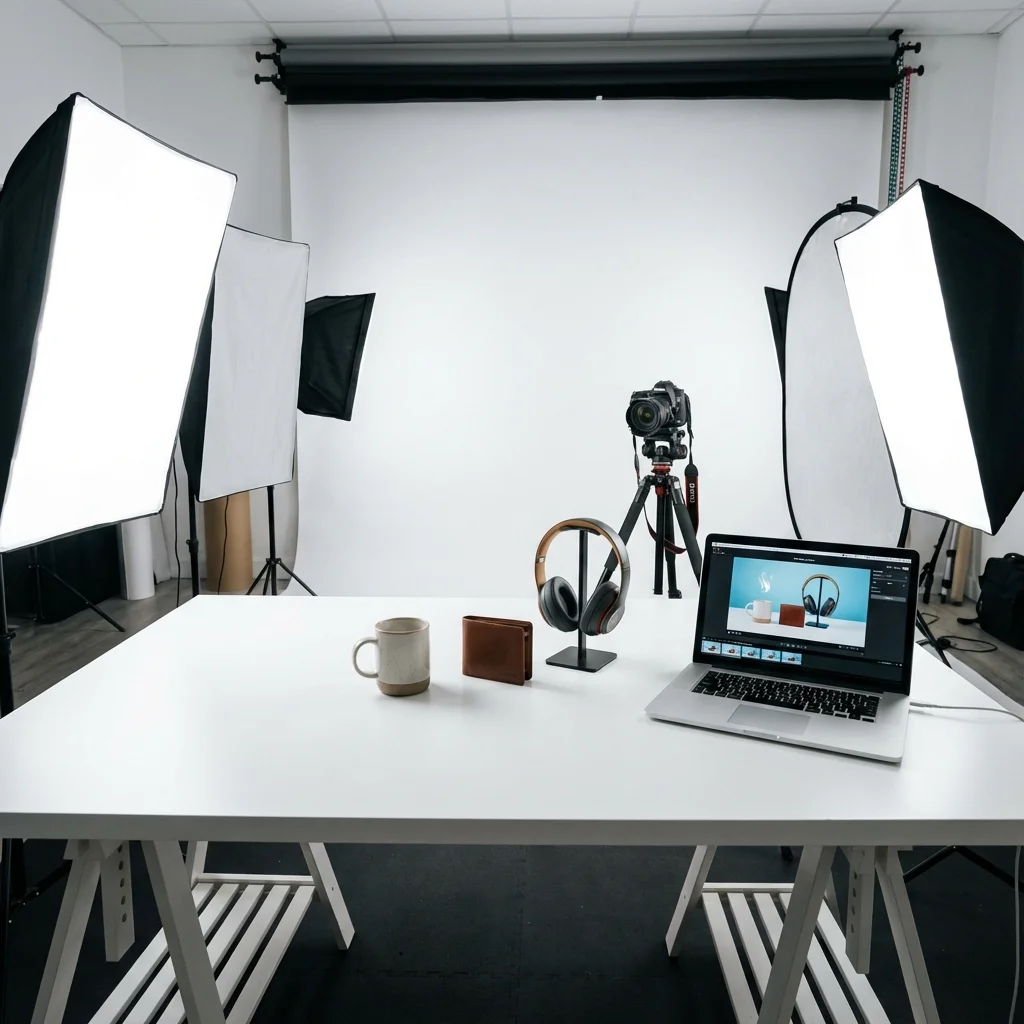
E-commerce businesses leverage LensGo AI Image to Video to create product videos from existing photography. Animate product details, show items in use, and create lifestyle scenes that highlight features. LensGo AI Image to Video transforms static catalog images into dynamic video content for product pages, ads, and social media—improving conversion rates without expensive video shoots.
LensGo AI Image to Video for Artists
Animate artwork and illustrations
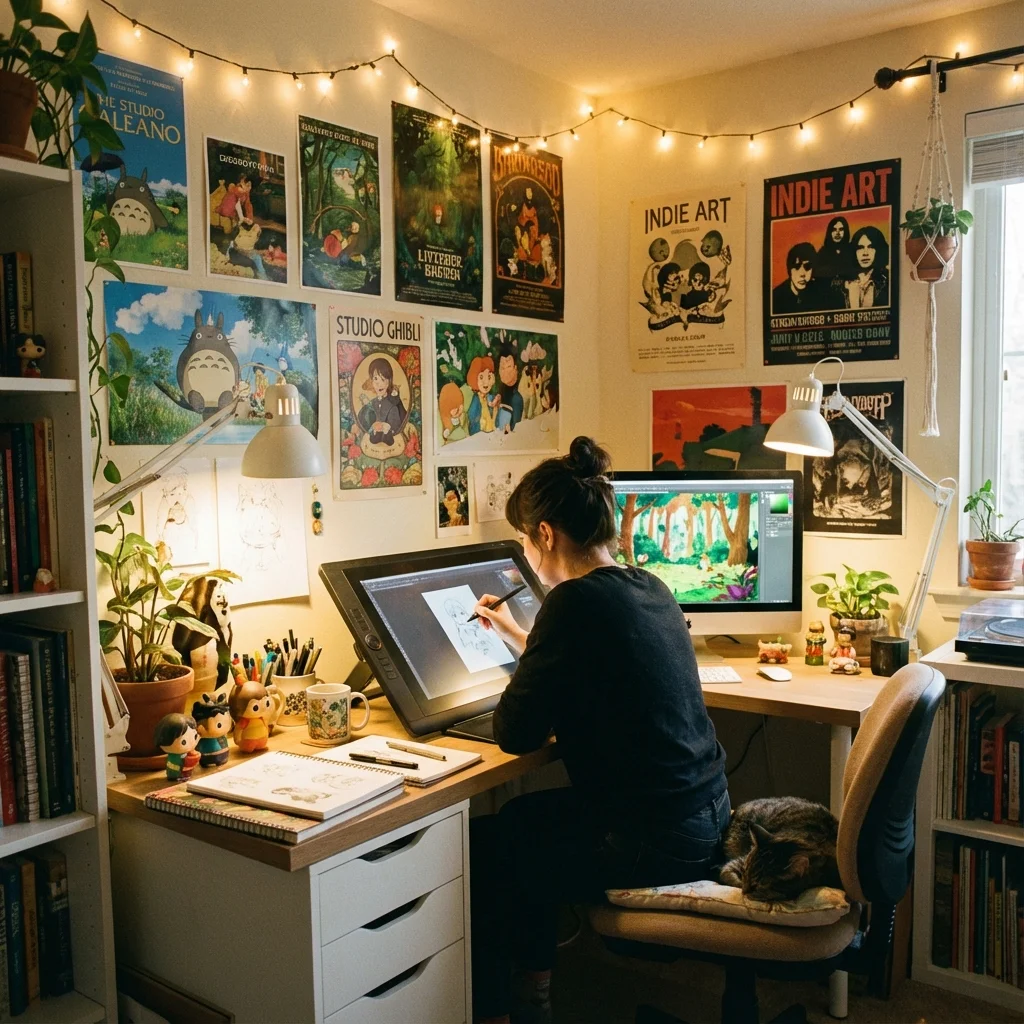
Digital artists and illustrators use LensGo AI Image to Video to bring their creations to life. Animate character expressions, add environmental effects, and create looping animations for NFTs and digital galleries. LensGo AI Image to Video preserves artistic styles while adding motion—transforming static art into captivating animated pieces that showcase creative work in dynamic new ways.
What is LensGo AI Image to Video?
Transform Static Photos Into Dynamic Videos
LensGo AI Image to Video is an advanced AI animation platform that converts still images into fluid video content. Using sophisticated computer vision and motion prediction algorithms, LensGo AI Image to Video analyzes your photo to understand depth, subjects, and scene composition, then generates natural, physics-accurate motion based on your text descriptions.
Intelligent Motion Prediction
LensGo AI Image to Video analyzes image content to predict realistic motion patterns. The AI understands how hair flows, water ripples, clouds drift, and characters move—generating natural animations that respect physical laws and visual coherence.
Text-Guided Animation
Describe the motion you want and LensGo AI Image to Video makes it happen. From 'gentle breeze through the trees' to 'person slowly turning head and smiling'—the AI interprets your creative direction and applies appropriate movement to your image.
First Frame Control
Your uploaded image becomes the first frame of the video. LensGo AI Image to Video ensures perfect fidelity to your source image while generating smooth, natural motion that extends from that starting point.
Optional End Frame
Upload a second image to define where your animation should end. LensGo AI Image to Video generates smooth transitions between your two images, perfect for morphing effects, time-lapses, and controlled transformations.
High-Quality Output
LensGo AI Image to Video produces professional-quality video at up to 1080p resolution. Generated videos maintain the visual quality of your source image while adding fluid, artifact-free motion throughout the sequence.
Multiple Duration Options
Choose 5-second or 10-second video lengths based on your project needs. LensGo AI Image to Video adapts motion complexity to your selected duration, ensuring smooth, engaging animation regardless of length.
How to Use LensGo AI Image to Video
Animate your photos in 4 simple steps
Upload Your Image
Upload the photo you want to animate with LensGo AI Image to Video. Supports JPG, PNG, and WebP formats. For best results, use high-quality images with clear subjects and good lighting.
Describe the Motion
Write a description of the motion you want. Examples: 'gentle wind blowing through hair,' 'water rippling in the background,' 'person slowly smiling.' LensGo AI Image to Video interprets your text to generate matching animation.
Choose Settings
Select video duration (5 or 10 seconds) and aspect ratio. Optionally upload an end frame image for controlled transitions. LensGo AI Image to Video adapts to your specified format requirements.
Generate and Download
Click generate and LensGo AI Image to Video creates your animated video in 1-3 minutes. Preview the result, then download the high-quality MP4 file for immediate use in your projects.
Why Choose LensGo AI Image to Video
Advanced AI Technology for Natural Animation
LensGo AI Image to Video combines cutting-edge computer vision with generative AI to deliver the most natural, professional image-to-video animations available. Every feature is designed for quality results and creative control.
Physics-Aware Motion
LensGo AI Image to Video generates animations that respect physical reality. Hair flows naturally, fabric drapes correctly, and movements follow realistic trajectories. The AI understands material properties and environmental factors for believable results.
Deep Scene Understanding
Advanced computer vision analyzes your image to identify subjects, depth layers, and spatial relationships. LensGo AI Image to Video animates elements appropriately based on their position and role in the scene.
Temporal Consistency
LensGo AI Image to Video maintains visual consistency throughout the generated video. Colors, lighting, and subject identity remain stable frame-to-frame, eliminating flickering and artifacts common in lesser systems.
Seamless Loop Support
Generate videos that loop seamlessly for social media and digital displays. LensGo AI Image to Video can create animations where the end frame transitions smoothly back to the beginning—perfect for endless playback.
Style Preservation
LensGo AI Image to Video maintains the artistic style and aesthetic of your source image. Whether animating photographs, illustrations, or digital art, the generated motion respects and preserves your original visual style.
Credit-Based Pricing
Transparent pricing at 4 credits per second of video. A 5-second animation costs 20 credits, 10 seconds costs 40 credits. Start with free credits and purchase additional credits as needed—no hidden fees or subscriptions required.
LensGo AI Image to Video FAQ
Common Questions About AI Photo Animation
Start Animating with LensGo AI Image to Video
Join creators worldwide using LensGo AI Image to Video to bring their photos to life. Transform static images into dynamic, engaging video content—no animation skills required. Start free today and discover the magic of AI-powered photo animation.
LensGo AI User Reviews
See what creators are making with LensGo AI style transfer
Sarah C.
Digital Artist
"LensGo AI Video Style Transfer is amazing! I turned my footage into Pixar-style animation in minutes with LensGo AI."

Michael R.
TikTok Creator
"I use LensGo AI to animate AI-generated images into short loops for TikTok. The style transfer workflow is super simple!"

Amanda L.
Social Media Manager
"LensGo AI Text-to-Video saves me hours. I describe what I want and get professional clips with style transfer for Reels."

David K.
Anime Content Creator
"The LensGo AI Anime style transfer is perfect. My videos look like they came straight from a Japanese studio."

Jennifer W.
E-commerce Seller
"Product images that move! LensGo AI Image-to-Video makes my listings stand out on Instagram with style transfer."

Alex T.
YouTube Shorts Creator
"LensGo AI custom model training lets me keep my unique style transfer across all generated content. Game changer!"

Maria G.
Illustrator
"I bring my digital illustrations to life with LensGo AI. Clients love the animated portfolio with Van Gogh style transfer."

Chris P.
Marketing Creative
"Van Gogh style transfer on video footage? Yes please! LensGo AI Style Transfer opened up new creative possibilities."
